Your account
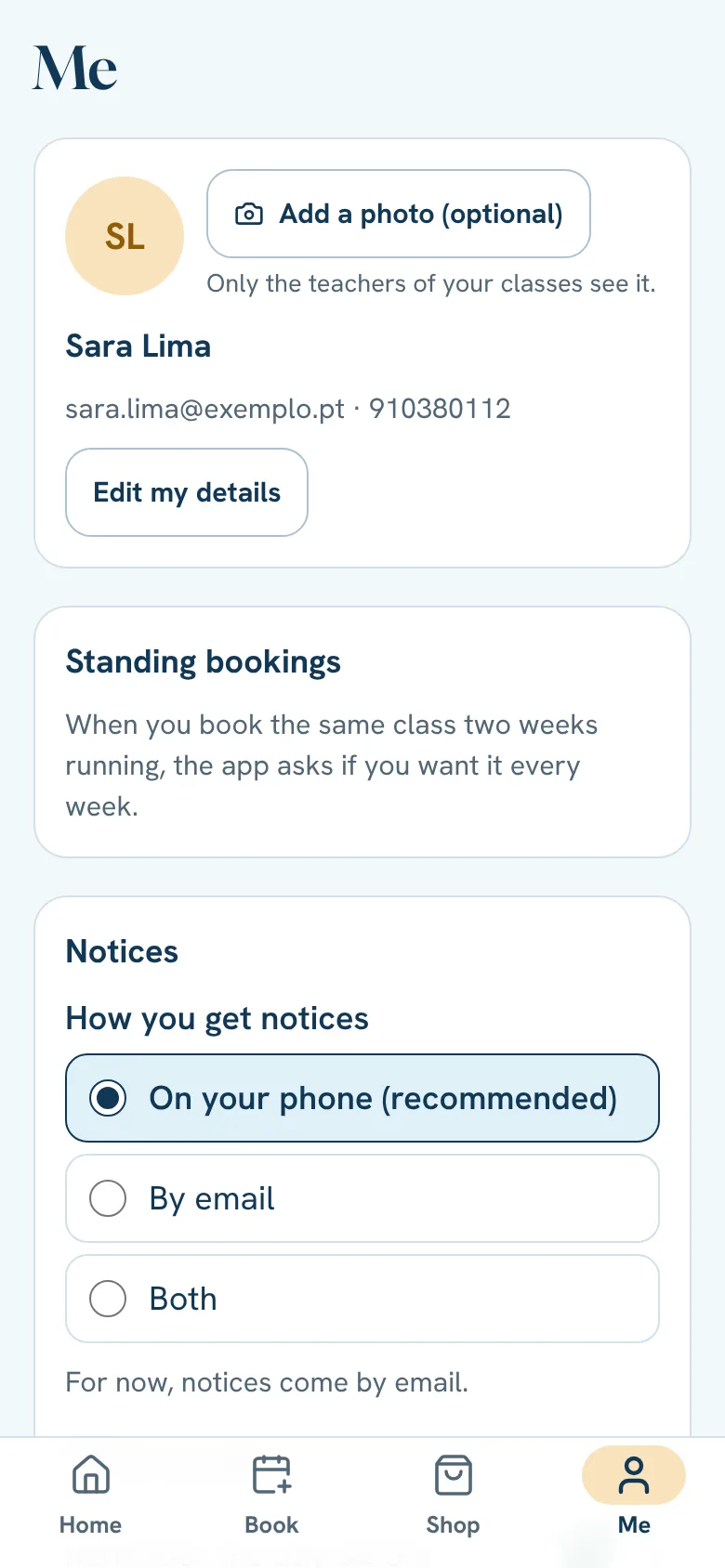
In Me you find your details, standing bookings, notices, language and payments.
- 1
Tap Me.
- 2
Change what you need: your details, your photo (optional), the language (Portuguese or English).
- 3
To leave a form without changing anything, tap Cancel, the X or outside it.
Health (optional)
In Me → Health you can tell the teacher about an injury or condition and, if you are pregnant, how far along. Only management and the teacher of classes you booked see it, and only with your permission; if you withdraw it, the answers are deleted. If you haven't answered yet, Home shows a card: Not now hides it until tomorrow. After a while we ask you to check the answers are still right: Nothing has changed or update them.
Sign out of all other devices
Lost a phone, or signed in on a computer that isn't yours? In Me → Sign out of all other devices (above Sign out) we close the session on every other device where you signed in and stop sending them notices. The button only shows when you are signed in on another device, or notices still go to another phone. You stay signed in on this device. The app tells you how many devices it signed out. Changing your password also ends the other sessions.
Send feedback
Found a bug or have an idea? Tap Send feedback and write it. You can add a screenshot: it only goes if you add it yourself. Questions about classes or bookings are for the studio.
How you pay
Here is the card (or Revolut Pay) you kept for your purchases, with Remove: after that the app no longer offers it, and on your next purchase you choose how to pay. A card that has expired is no longer offered, but stays here for you to remove. If you have a monthly plan that renews on its own, its card shows here too. You change it with Set up payment, in the Shop.
How did you hear about us?
The day after you make your account, Home asks you once how you found the studio. It helps the studio know where it's worth being. Answer or tap “Not now”: it won't ask again.
Site visits without cookies
The site counts visits with no cookies and without keeping anything that identifies you: only the page, the day, where the visit came from (Instagram, for example) and whether it's a phone or a computer. If you make an account from the site, the account keeps only that origin.
Still stuck?Write to us and we’ll answer.WhatsApp