Cancel or change a class
Can't make it? Cancel in time and the class goes back to your plan.
Cancel
- 1
Open the booked class.
- 2
Tap Cancel the class.
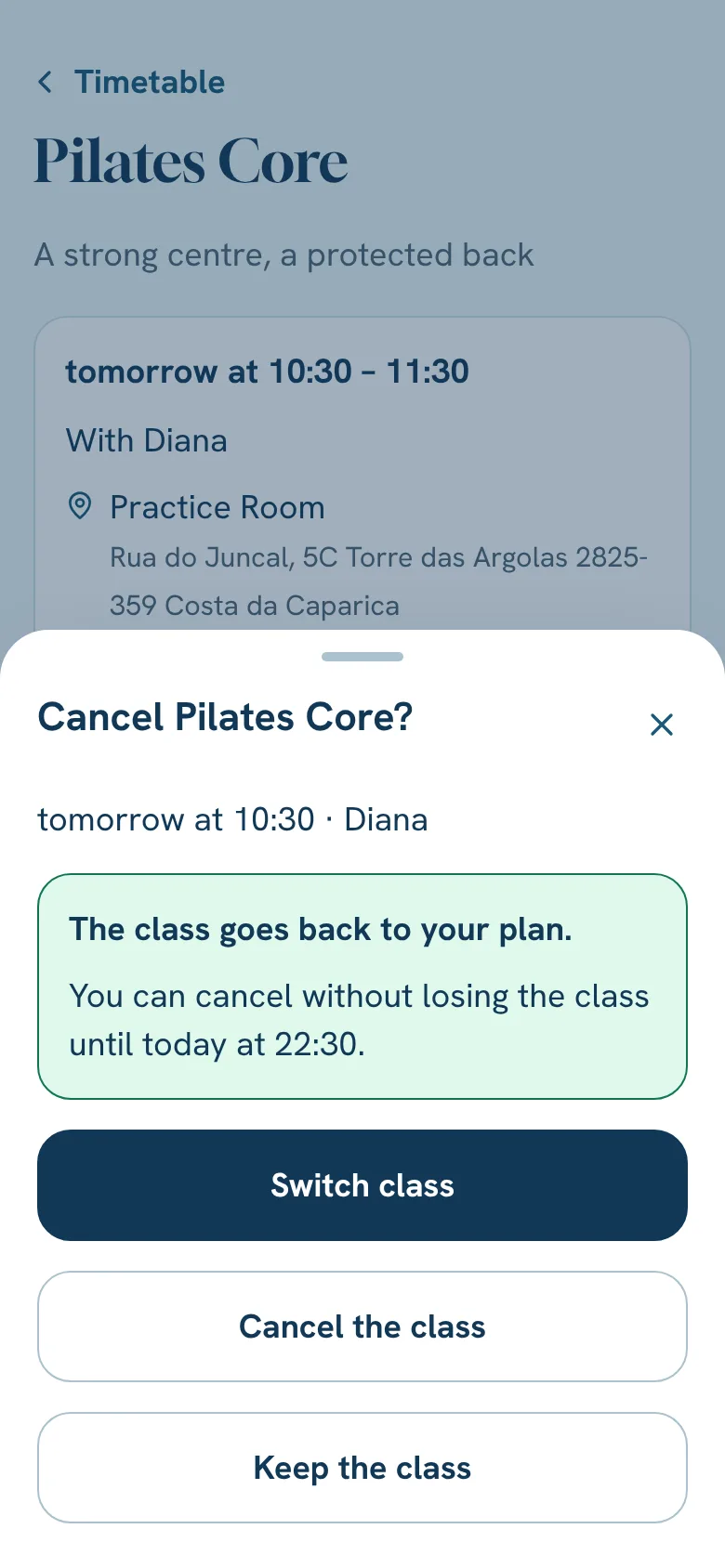
- 3
The app always tells you what happens to the class, before you confirm.
Change to another class
- 1
Open the booked class.
- 2
Tap Switch class. You can do it up to 12 hours before.
- 3
Pick one of the classes with a place in the next two weeks and confirm.
- 4
Your class goes back to the plan and the new one is booked, all at once. If the new one no longer works, everything stays as it was.
Still stuck?Write to us and we’ll answer.WhatsApp