Create an account and sign in
Open the app, type your email and the code we send you. No password needed.
- 1
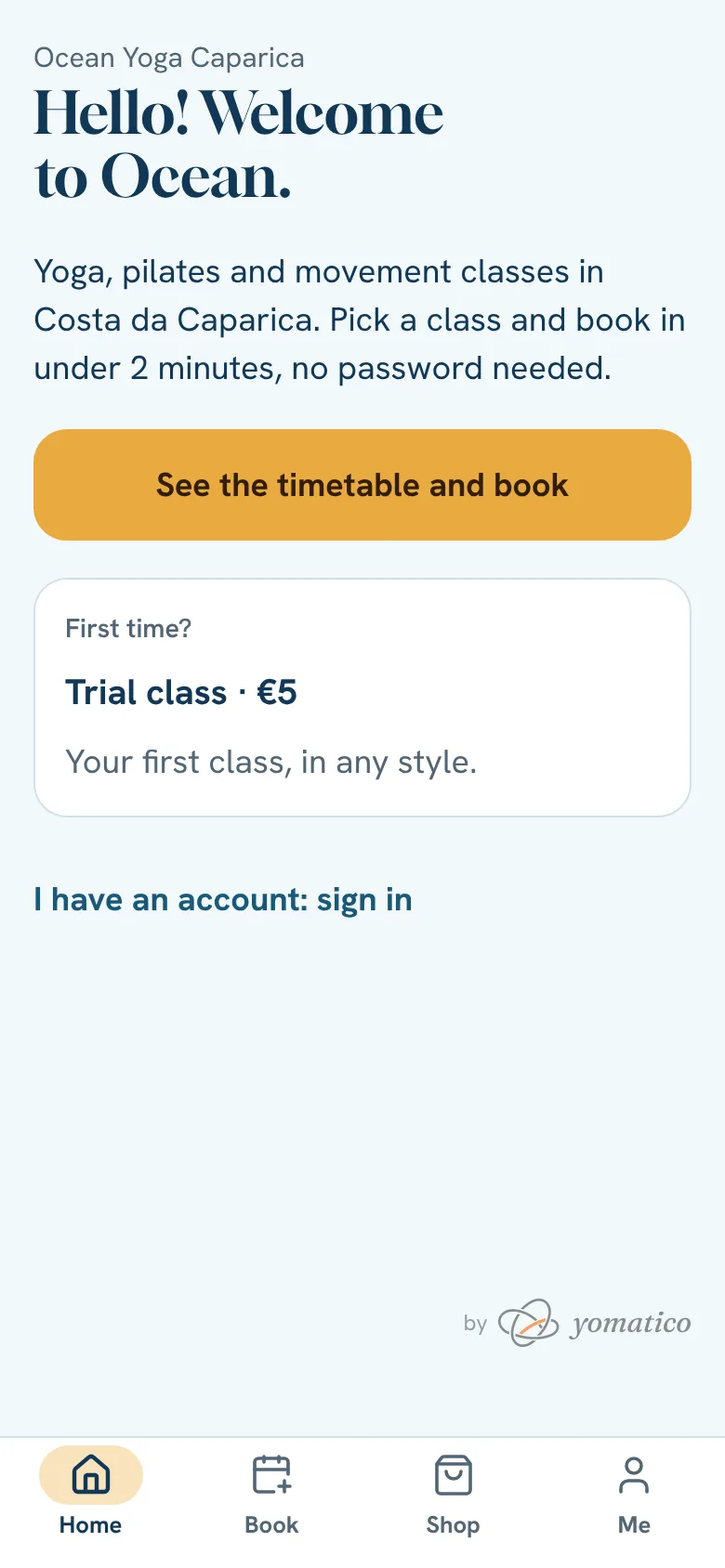
Open the app from the “Open the app” button on the studio's website.
- 2
Tap I have an account: sign in. If you don't have an account yet, this is where you create it.
- 3
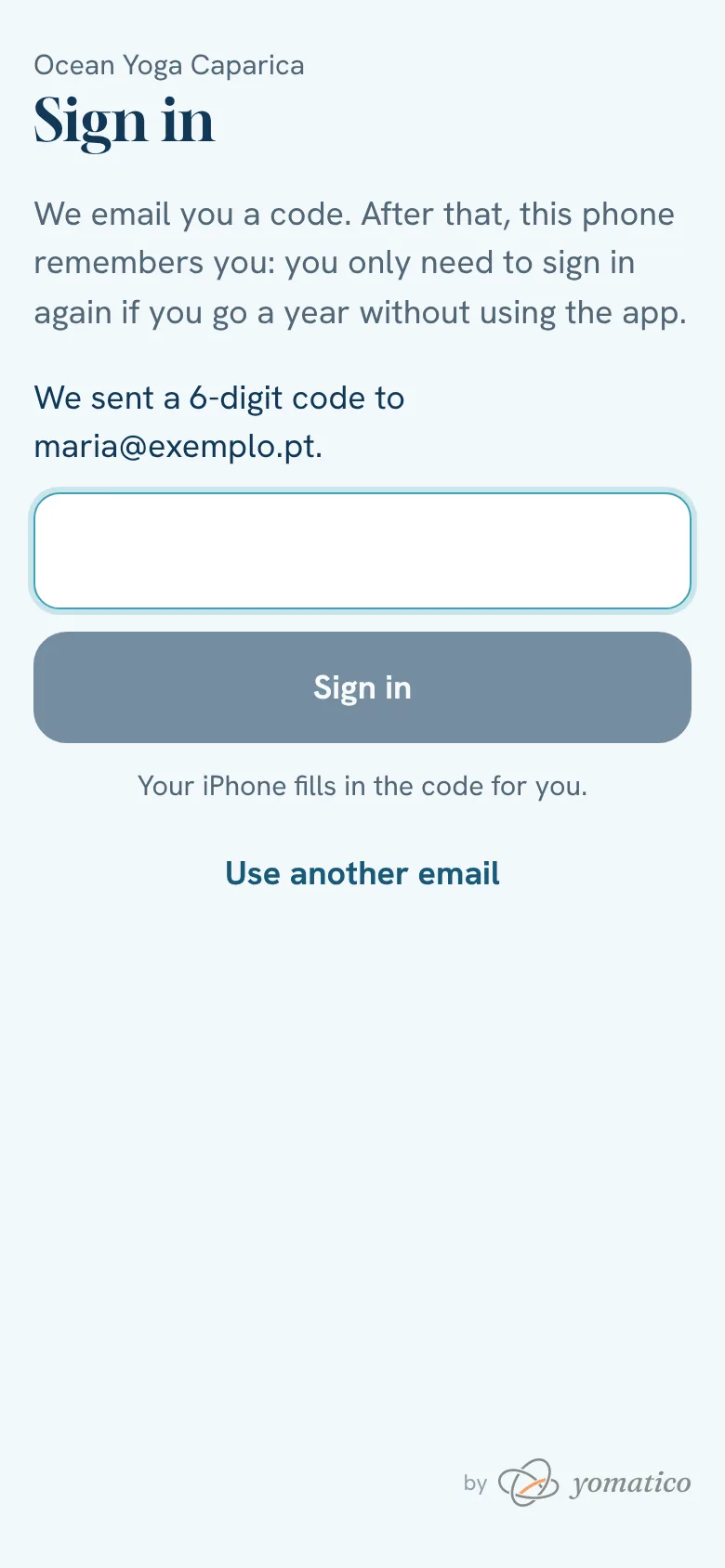
Type your email and tap Send code. We send you a 6-digit code.
- 4
Type the code and tap Sign in. You're in.
- 5
If it's your first time, type your name, accept the terms and conditions and tap Create account and sign in.
The terms and your data
When you create your account you accept the terms and conditions, which include the statement of responsibility: you declare you have no contraindications to exercise. No health declaration is required. If you don't want the studio's news, tick «I don't want the studio's news» (or switch it off later in Me → Notices); notices about your bookings still arrive.
The terms and conditions (the rules for bookings, plans, payments and cancellations) and the privacy policy (what we keep, why and for how long) are at the bottom of every page of the site and in Me. To see, correct, take or delete your data, write to the studio's email: we answer within a month. A plan bought in the app (a single class, a pack or a monthly plan) can be withdrawn from within the withdrawal period the terms give; if you already used classes, you pay only for those.
Coming to classes since before the app?
Your account is already there: sign in with the email you gave the studio. The classes you had left are in your plan, with the same validity, and any balance you had is account credit.
The studio may also email you a link to get in with one tap, with your plan and your classes already there. The link works once and for a few days; if it runs out, the page lets you ask for another.
Still stuck?Write to us and we’ll answer.WhatsApp