Events and workshops
Workshops and courses, with tickets. Some courses can be paid in instalments.
- 1
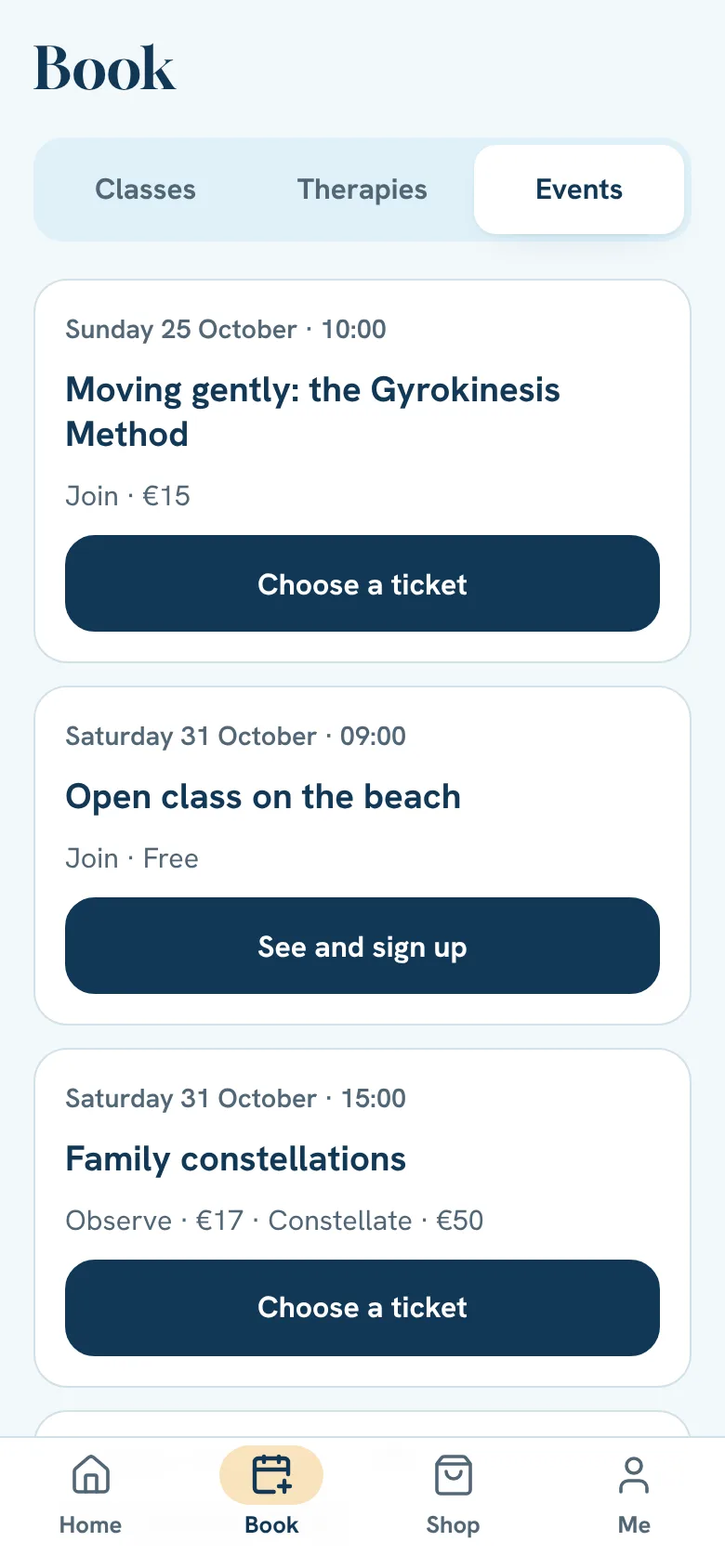
Tap Book and then Events.
- 2
Pick the event and tap Sign me up (or buy the ticket).
- 3
Pay in the app or on site, depending on the event.
Paying on site
Some events and therapies are paid on the day, to whoever leads it or to the therapist. For others you choose Pay now in the app or Pay on site. On site, your place is kept at once and you get the amount and the contact of whoever receives it. If you cancel, there is nothing to give back.
Free or donation events
There is nothing to pay in the app. Tap Sign me up and you are signed up at once. A donation, if you'd like to give one, is given on the day. Each person signs up once per event: if someone comes with you, choose how many you are right away.
Sold-out event
Join the waiting list. If a place opens up we hold it for you (24 hours, as a rule) and send you the payment. If you don't pay, it goes to the next person.
Registering your presence
On the day of the event, your ticket on Home has Register my presence (or read the studio QR by the door). If you forget, whoever leads it marks it on the list.
Cancelling a ticket
On Home, tap Cancel ticket (or Cancel sign-up, at a free or donation event). Up to 7 days before the event, what you paid comes back as account credit. After that, the place is only given up. The app tells you which it is before you confirm.
Still stuck?Write to us and we’ll answer.WhatsApp