Save the app to your phone
The app opens in your browser, with no app store. Save it to your home screen and it's one tap away, like your other apps.
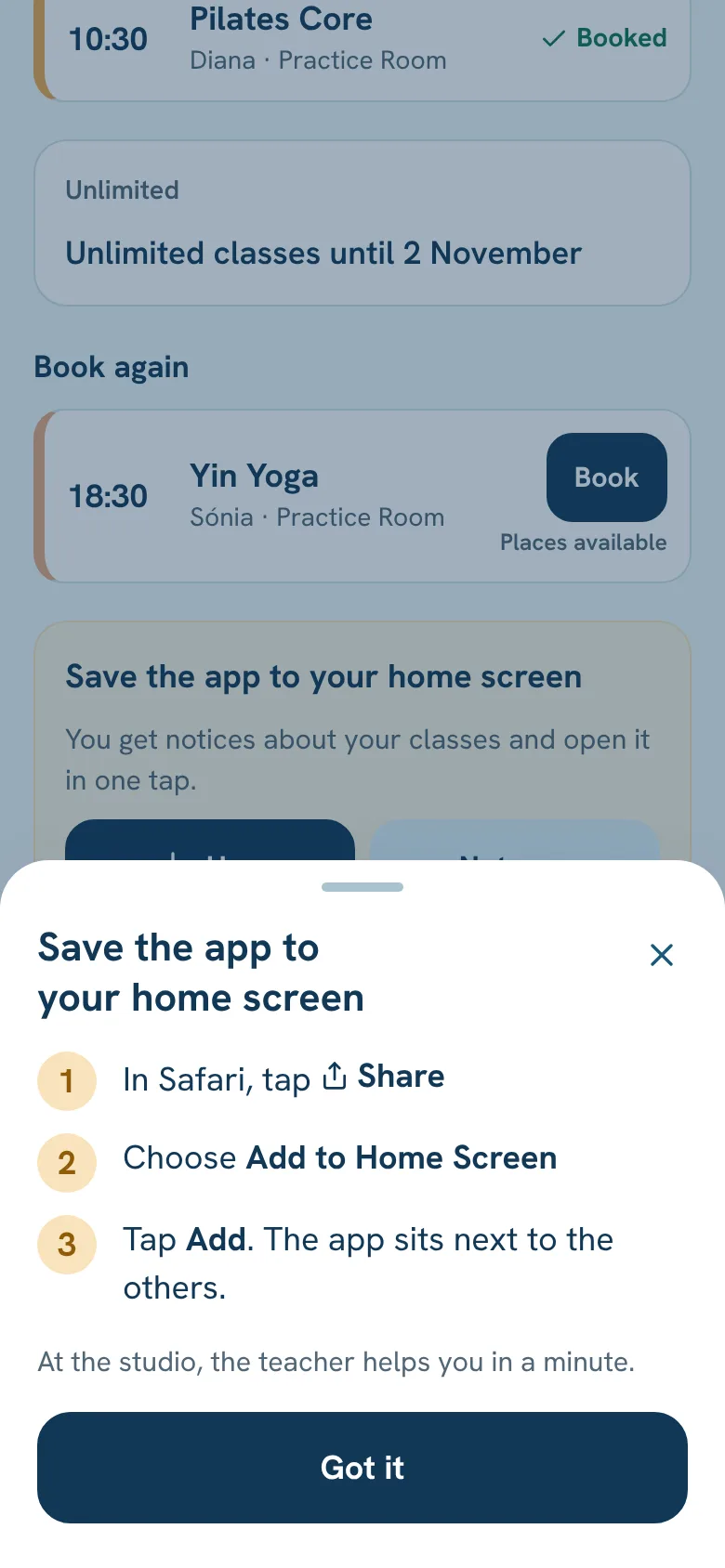
iPhone
- 1
In Safari, tap Share (the square with the arrow).
- 2
Choose Add to Home Screen.
- 3
Tap Add. The app sits next to the others.
Android
- 1
In Chrome, tap the menu ⋮.
- 2
Choose Install app (or Add to Home screen).
- 3
Confirm. The app sits next to the others.
Still stuck?Write to us and we’ll answer.WhatsApp